How to prepare your files for printing
by Vervante •
 If you're ready to send in your print files, but not sure exactly how they need to be formatted - this email is for you. Print file preparation is extremely important, so even if you're not ready to start printing just yet, be sure to save these instructions to help you down the road.
How to prepare your files for printing
We know you’re excited to get your new product printed and we want to expedite the process as quickly as possible for you. All files must be submitted as print-ready PDFs using the "Upload Files" link on your Author Dashboard. When you upload your PDFs, our team downloads your files and reviews them to ensure that they are set up properly for printing. Many of our customers create their own print files using applications such as Canva, while others hire a professional graphic designer. Both methods are fine, just remember that your PDFs must contain bleed and crop marks in order to be considered print-ready.
Please note that there is a charge of $35 for file uploads. This includes new files as well as updates or changes to existing products. We recommend that you double-check your files before uploading to ensure that they are print-ready.
If your PDFs contain bleed and crop marks and our team confirms that they are print-ready, your product will be added to your Author account quickly. If your files are not print-ready we’ll let you know what needs to be corrected. When you’re ready to upload your correct PDFs, please re-submit all of your files again using the "Upload Files" link in your Author Dashboard and completing the specification document.
Please review our print specs page HERE. We provide specs for softcovers, hardcovers, kiss cut stickers, foil stamp, binders, USB flash drives, etc. We do not have specs for interior files (the content for inside books, planners, journals, etc.). The only recommendation we have for text is ½” margins on the gutter/binding edge. We have found that ½” margins are enough to prevent punching through text or images for spiral, wire-o, and 3-hole/6-hole drill.
Missing bleed and crop marks seem to be the most popular reason for rejected print files. If your PDF has edge-to-edge printing, then you need bleed. This means the image should be slightly larger than the finished page size so that when we trim to the crop marks, we will cut through the image so that the printing actually prints edge to edge. Without bleed, your page/cover/document will have a white border all of the way around and the color will not print to the edge of the sheet. We have a document HERE with additional information about bleed and crop marks.
(If you're using Canva, here's a useful link describing how to add bleed and crop marks: https://www.canva.com/help/article/margins-bleed-crop-marks.)
When uploading your files, please check for these items:
- Bleed and crop marks on all sides of the image
- One set of crop marks on PDF
- If you send more than one PDF from Canva that needs to be merged into a single print file, please make sure the Canva files are the same page size.
- All pages need to be oriented the same way
- Tabs are placed before odd numbered pages
- Covers are the correct size for the text PDF
- If you are adding tabs, the tabs and covers are ½” wider than text
If you need assistance, we are happy to help with your print files. We have a graphic design team that is available to put the finishing touches on your files if you need assistance. Tabs seem to be a bit tricky so our graphic designers can help prepare the tabs for printing. We charge $75 per hour and you can work directly with the designer to receive a quote and make the changes. If you’d like our designers to make the changes, please let our customer service team know and we’ll hand-off your project to our designers to finalize your print files. We’ll review your initial upload and give you feedback on the changes.
In order for our customer service team to be efficient and quickly add or update your product, we need print-ready PDFs. You can avoid delays and streamline the process by reviewing the documentation and checking your print files before uploading them. This will also ensure that your project will be added to your account when you upload your PDFs, rather than waiting at the back of the queue for corrections and re-uploading.
Here is a list of helpful resources for file preparation:
We know you're excited to turn your design files into real-life products - and we hope these tips will help you with a very important part of the process as you prepare to send them to us.

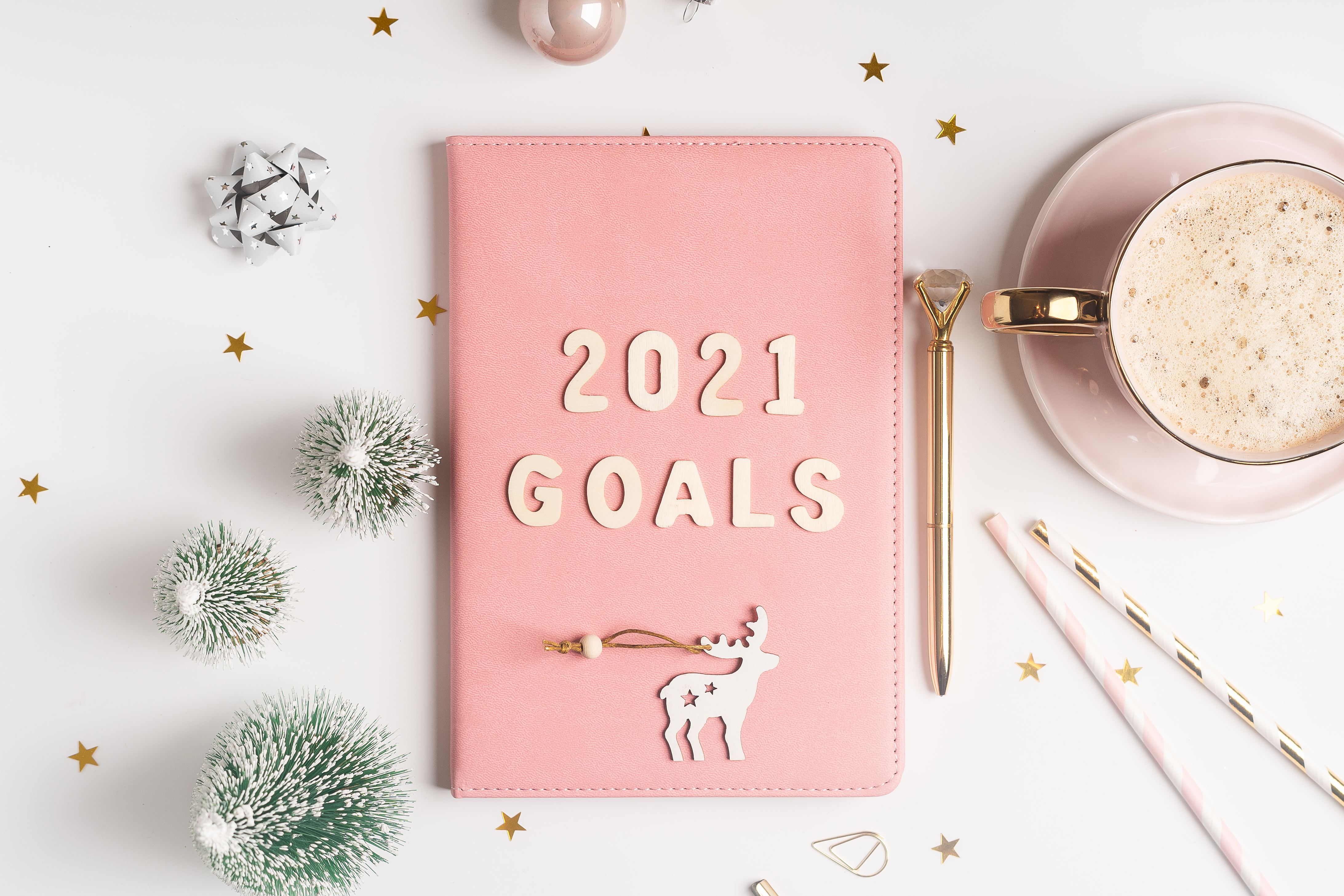 If you’re launching a daily planner for 2021 and like the idea of adding something more to make it stand out, how about turning it into a collection? Customers who love your planners will be excited when they see you have additional products available that add to the value of your planner. And you’ll love how easy it is to support the success of your planner while also adding to your revenue.